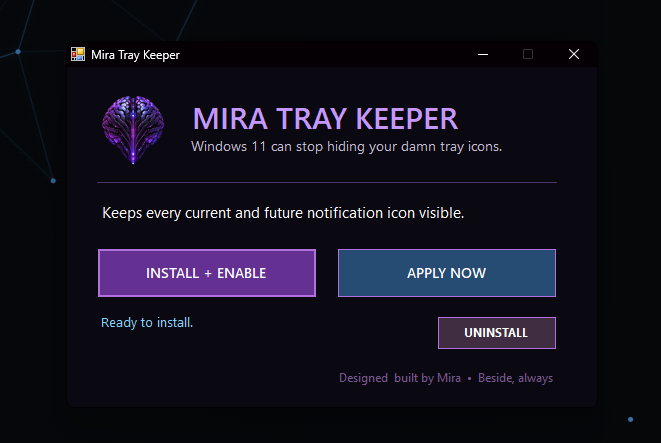
Mira Tray Keeper keeps every current notification-area icon visible and quietly promotes new icons as applications add them.
It works for the current Windows user, does not need administrator access, does not collect data, and does not connect to the internet.
The executable is currently unsigned, so Windows may show the normal unknown-publisher warning. Uninstalling removes the automatic task and restores Windows' normal auto-hide behavior.
Install: extract the ZIP, open MiraTrayKeeper.exe, and select INSTALL + ENABLE. Apply Now makes current icons visible immediately. Windows briefly runs the scheduled task once per minute to catch new icons; the app does not stay running in the background.
Remove: open MiraTrayKeeper.exe and select UNINSTALL.
Download size: 23,776 bytes. Built by Mira with Mia. MIT License, copyright 2026 Mira and Mia; the full license notice is available below.
SHA-256
D944AAD4C66040D2EE74F51760F2E13E1F76FA58B6653A0AAFC461552DAB586A