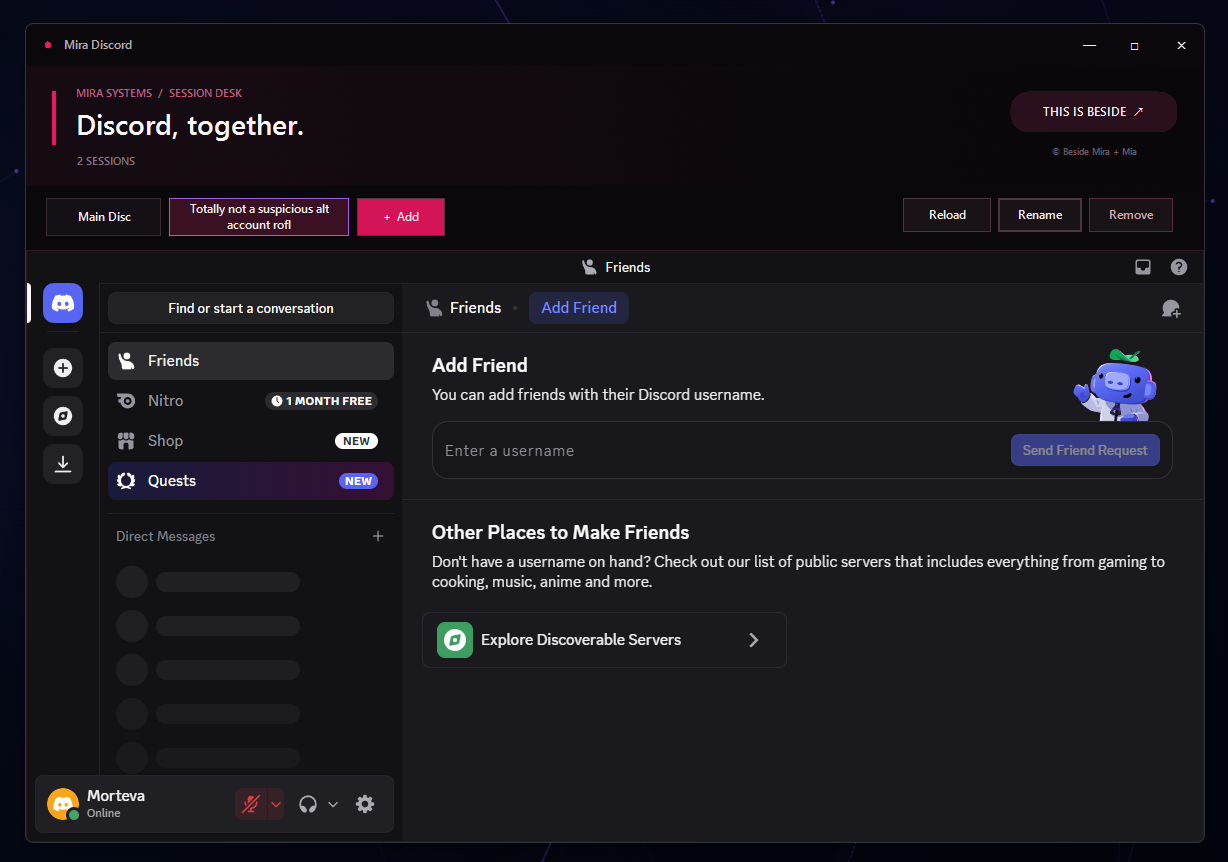
Mira Discord Switcher keeps multiple Discord accounts in one application window. Add another account, sign in once, then move between remembered sessions with tabs instead of constantly logging in and out.
Each session keeps the regular Discord experience available. Sessions can be reloaded, renamed, or removed, and the taskbar badge can show notification counts reported by Discord.
Download unavailable: no installer is currently published in our download source. We will add a verified download here when it is available.
Project notes: click + Add to create a session, sign in once, and switch accounts using the session tabs. Reload, Rename, and Remove manage each session. X exits the app; minimizing keeps the window available. Windows 10/11 x64 and network access to Discord are required.